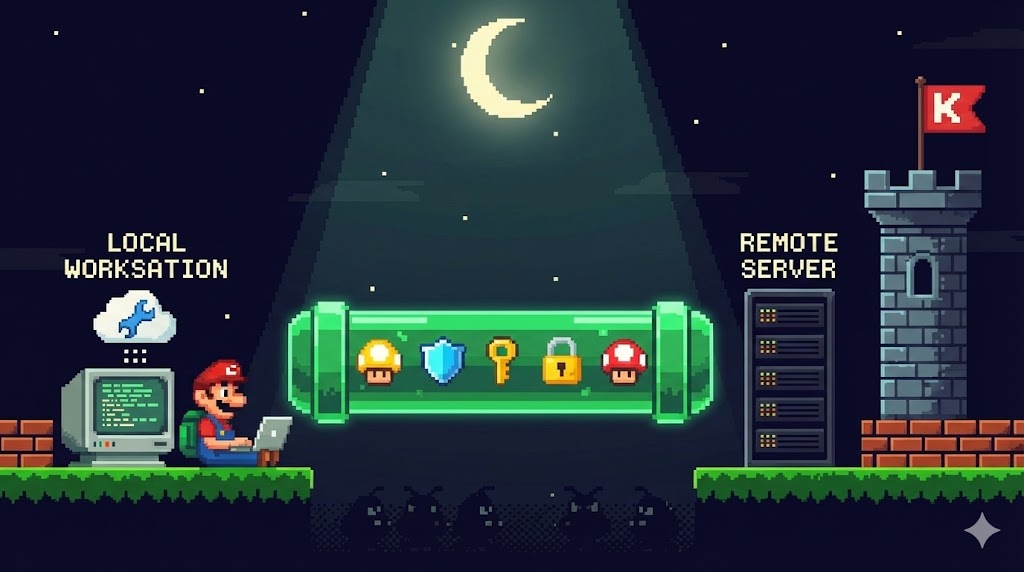
When building Kubernetes-aware tools — whether a CLI, dashboard, or internal Python service — you often need your local environment to talk directly to the cluster API.
But exposing the K3s server’s port 6443 to the internet is never a good idea.
Here’s how to make your local machine behave like it’s inside the cluster, safely, using an SSH tunnel.
dotenv.org recently increased its pricing, and at the same time our organization was already consolidating secrets into 1Password for engineering, operations, and automation workflows. Maintaining a parallel .env.vault system became unnecessary and costly — both financially and operationally.
In the last chapter, I left a promise — to make the system truly GitOps-native. To bridge the small but important gap between building images and updating manifests.
That loop is now closed.
Every time a Docker image for Job Winner or the photo app is built and pushed, GitHub Actions updates the Argo CD repository automatically. No manual tag edits, no pull requests waiting in the dark. The commit that produces the container now also defines its deployment.
In Part 4, I closed with a simple plan: migrate Job Winner into the cluster and build a photo app that would reconnect my creative and technical worlds. Those two threads finally came together — one practical, one personal — and in the process, the Odyssey took another quiet but meaningful turn.
In my previous post, I wrote about how we replaced a traditional VPN with Tailscale to connect engineers to Kubernetes services. That solved a big piece of the puzzle: cluster access was now simple, secure, and reliable.
But as always, not everything lives in Kubernetes. We still had private databases, legacy services, and tools running in our VPC that engineers needed to reach. That’s where a bastion came in.
Some projects stick with you. For me, it was a little Slack bot I hacked together at a previous job—something that could talk to our infrastructure and give quick answers without switching tools. I never learned what happened to it. Layoffs came. From what I later heard, it wasn’t adopted. It felt like watching a small idea I cared about slowly disappear.
Fast-forward to Flagler. I mentioned the bot almost off‑hand, unsure if anyone would care. My boss immediately supported the idea, and that gave me the energy to bring it back. This post is about reviving that project—this time with intent, care, and a proper home in Kubernetes.
In early-stage engineering teams, it's natural for tools to start out simple — often running on a single developer machine, just to get things moving. That’s how our Airbyte setup began: quick to spin up, good enough for testing connectors, and easy to iterate on.
But as our team grew and data pipelines became more embedded in how we operated, we knew it was time to treat Airbyte like real infrastructure. That meant moving beyond local environments and into a scalable, secure, and repeatable deployment.
We migrated Airbyte OSS to Amazon EKS, using Helm and AWS-native services like S3 and IAM Roles for Service Accounts (IRSA). Our goal wasn’t to fix something broken, but to build on what was working and make it production-ready—without sacrificing developer velocity.
This post shares how we did it, what we learned, and what you might want to consider if you’re operationalizing Airbyte (or any similar open-source tool) in a small but growing cloud-native team.
We recently started migrating away from our traditional VPN setup—and toward something simpler, faster, and cheaper: Tailscale.
This wasn’t a full rip-and-replace. In just five days, we moved a core set of internal Kubernetes services behind Tailscale, enough to start retiring our legacy VPN setup piece by piece.
The results?
✅ Smoother developer workflows
✅ Better access control
✅ Significant cost savings
✅ Self-serve onboarding
✅ Fewer support headaches
Managing DNS and TLS certificates for Kubernetes applications can be tedious and error-prone. Thankfully, tools like ExternalDNS, Ingress, and Cert-Manager automate the entire process — from setting DNS records to provisioning Let's Encrypt certificates.
In this guide, we'll walk through how to:
Use ExternalDNS to automatically create DNS records.
Annotate Ingress resources to request a Let's Encrypt TLS cert.